 Water




A few taps. A whole thought.
Bring picture words together, then press Play to speak a sentence aloud.
 Their Words
AAC for iPhone and iPad · Available now
An AAC app that turns pictures into spoken messages. Build sentences, add familiar photos, and choose a voice in English or Spanish.
No app account. No ads. On-device speech.
Bring picture words together, then press Play to speak a sentence aloud.
Save useful sentences for the moments that happen again and again.
Add familiar people, personal photos, new words, and your own categories.
A personal start
Choose a language and a familiar character during setup. Matching pictures help make words, feelings, and activities recognizable.
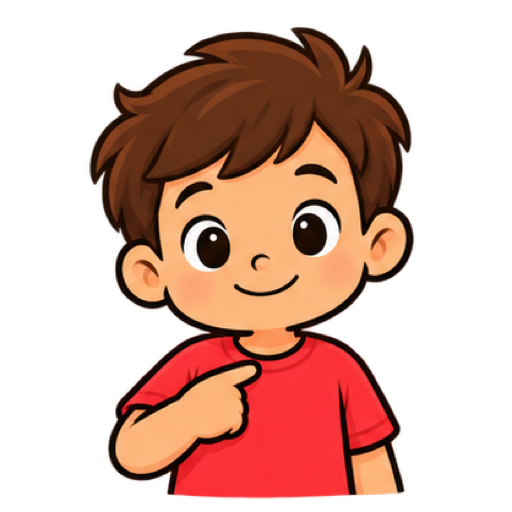
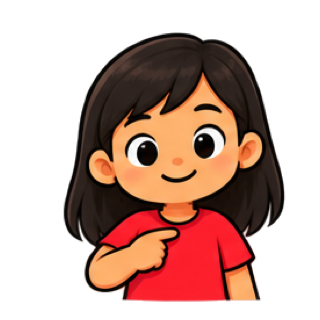
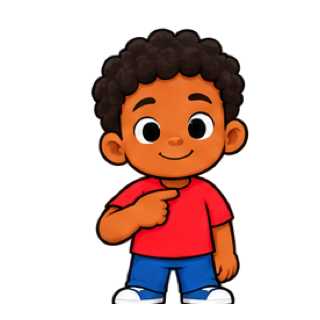
Six characters, different skin tones and hairstyles. Your own tile photos and an optional family photo bring their everyday world onto the board.
No child name or photo required. Profile settings stay on the device.
 Character 1
 Character 2
 Character 3
 Character 4
 Character 5
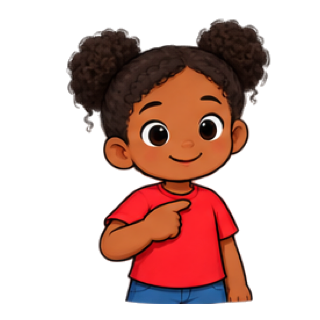 Character 6
Choose during setup. Change it later in Parent Mode.
English + Español
Choose English or Spanish in the child profile. Built-in words, categories, and speech switch together. Personal words and saved sentences keep their original text.
How language worksI want water
Pictures → words → a sentenceYo quiero agua
Imágenes → palabras → una fraseMake words heard
Use the device voice or choose from three optional AI-powered voices. Preview in English or Spanish in PIN-protected Parent Mode.
AI speech · On-device
AI speech · On-device
AI speech · On-device
Offline by design. AI speech is generated entirely on your device. Words and audio never go to a server for this feature.
Extra power, optional. AI speech uses more memory and battery. The app checks device support and falls back to the device voice when needed.
Their Words is an augmentative and alternative communication app for iPhone and iPad. Children who are nonspeaking or need support with speech can tap picture symbols to express wants, feelings, and everyday messages. Parents can add personal photos, save useful sentences, and tailor the board to their family.
Everyday board use and speech work offline after installation and access setup. Purchases and restoring access may need an internet connection.
Add familiar photos and words in PIN-protected Parent Mode. Hide built-in words that do not fit your family, and show them again whenever you need them.
No. Try communication features free for seven days, then keep access with one purchase. There is no automatic charge at the end of the trial.
Their Words is a communication aid, not a substitute for individualized professional support. Read the setup and support guide.
Try it, then keep it
Start a free seven-day trial through Apple’s App Store, then unlock permanent access with a one-time purchase ($1.99 in the U.S.; local pricing is shown in the app). No subscription or automatic charge when the trial ends. Your board stays saved, and caregiver backup export remains available.
Trial and purchase helpPrivate by design
No app account, ads, or third-party analytics. Words, profile settings, and personal tile photos are stored locally. Backups you share and iOS backup settings can create copies elsewhere.
Our privacy policyTry Their Words on your iPhone or iPad. Start with pictures, then make the board your own.
Download on the App StoreFree 7-day trial. One-time permanent unlock, $1.99 in the U.S. Local pricing is shown in the app.